I’ve successfully ushered Feline Fly Assassin to the Microsoft Store so it’s available to download and play on Windows.
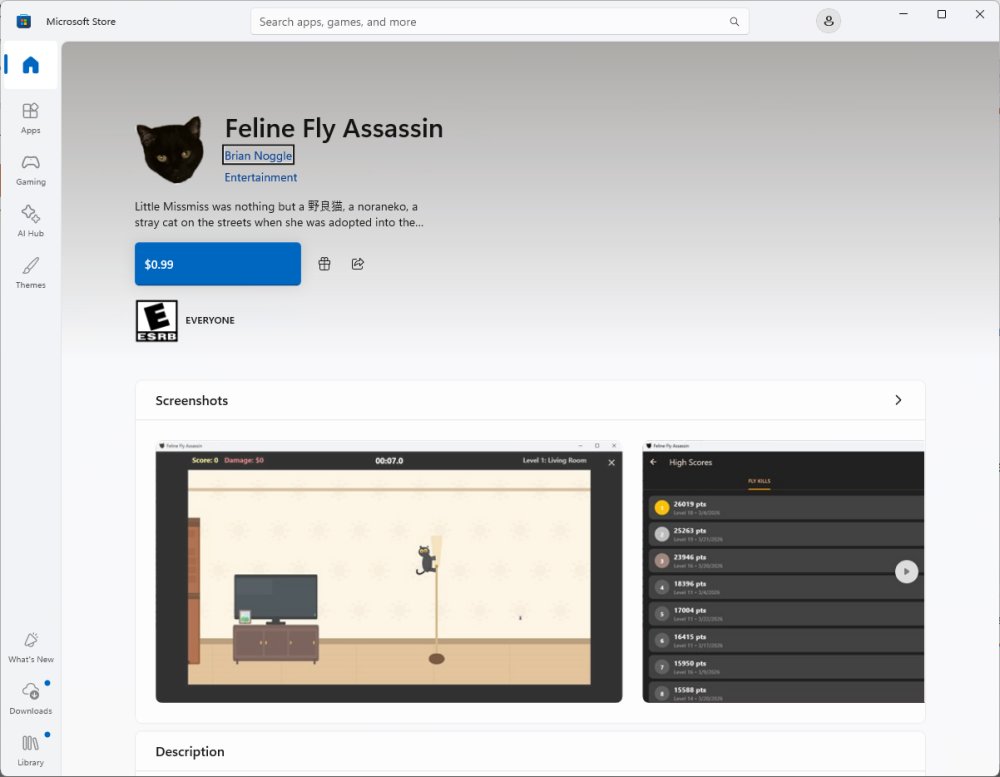
Getting an app on the Microsoft Store is slightly more difficult than the Apple App Store because Microsoft has a Byzantine set of rules around accounts:
- You have to be a Microsoft Partner, which means you have to have a parent account which Microsoft expects to be a major systems integrator or Azure Cloud player.
- They expect your Partner account to be a corporation with a DUNS number.
- Jeracor Group does not have a DUNS number.
- Also, it cannot find Jeracor Group’s registration in the State of Missouri (it is).
- If you somehow get through the Partner process (on a second try, I did), you need to use a personal account to upload apps.
- Of course, my corporate account (Jeracor Group) was burned when I uninstalled the Microsoft Authenticator app from my phone.
- So I created another one using an old Gmail testing account, but not a new Gmail account because the steps involved to create a Gmail account are crazy. What, I need to scan a QR code on a phone and then let it send a text message from my phone? How to make your security tighter: make it look suspicious.
- Follow processes not unlike the Apple App Store to add details.
- ?
- Success!
Seriously, the crap aligning the accounts took me several days. And I wasn’t sure that it worked until this morning–the app was stuck in the certification step even though it said it could take a few hours to three business days. It was almost three business days.
So, maybe I’ve got another avenue of revenue which might yield more than the almost $10 I’ve sold on the App Store.
You can download it here. Just 99 cents. Wotta deal!